How-to guide
How ChatGPT reads a business website
When ChatGPT fetches a business website, it reads the text, the headings and the structured data. It does not see the design. Colours, layout and animation add nothing to how the model understands you. This guide shows you how to make the page itself easy for ChatGPT to read and match to a user's request.
Prerequisites
Before you start, have these to hand:
- Access to edit the page you want ChatGPT to read, plus your site's firewall or CDN settings.
- A clear list of the services you offer, the places you serve and who you serve.
- The specific questions your customers actually type into AI tools before they contact you.
Step 1: Check that ChatGPT can reach your site at all
Start with access, because nothing else matters if the page is blocked. Roughly 22% of web traffic sits behind Cloudflare, and its default settings block AI crawlers. Content behind a default WAF block is invisible to AI engines regardless of how well it is structured.
- Find out whether your site runs behind Cloudflare or another firewall.
- Check whether the default AI crawler block is active. Cloudflare's default block has been in place since July 2025, and its defaults were tightened on 15 September 2026.
- Change the setting if it is blocking AI crawlers you want to read your site.
We treat this as the first binary check on any audit. Do it before you touch a single heading.
Step 2: Decide exactly what you want to be found for
Choose specific prompts, not general ones. A recruiter might want to appear for "recruitment agency" or "recruiter in Manchester", but those queries are too general. You need to decide what prompts people actually type into AI tools to find you. An exact answer outranks a general answer.
- Write down the full questions a buyer asks, such as "specialist software recruitment agency in Manchester".
- Group the follow-up questions that sit beneath each main question.
- Keep that list. Every later step builds pages that answer it.
Step 3: Put the answer at the top of the page
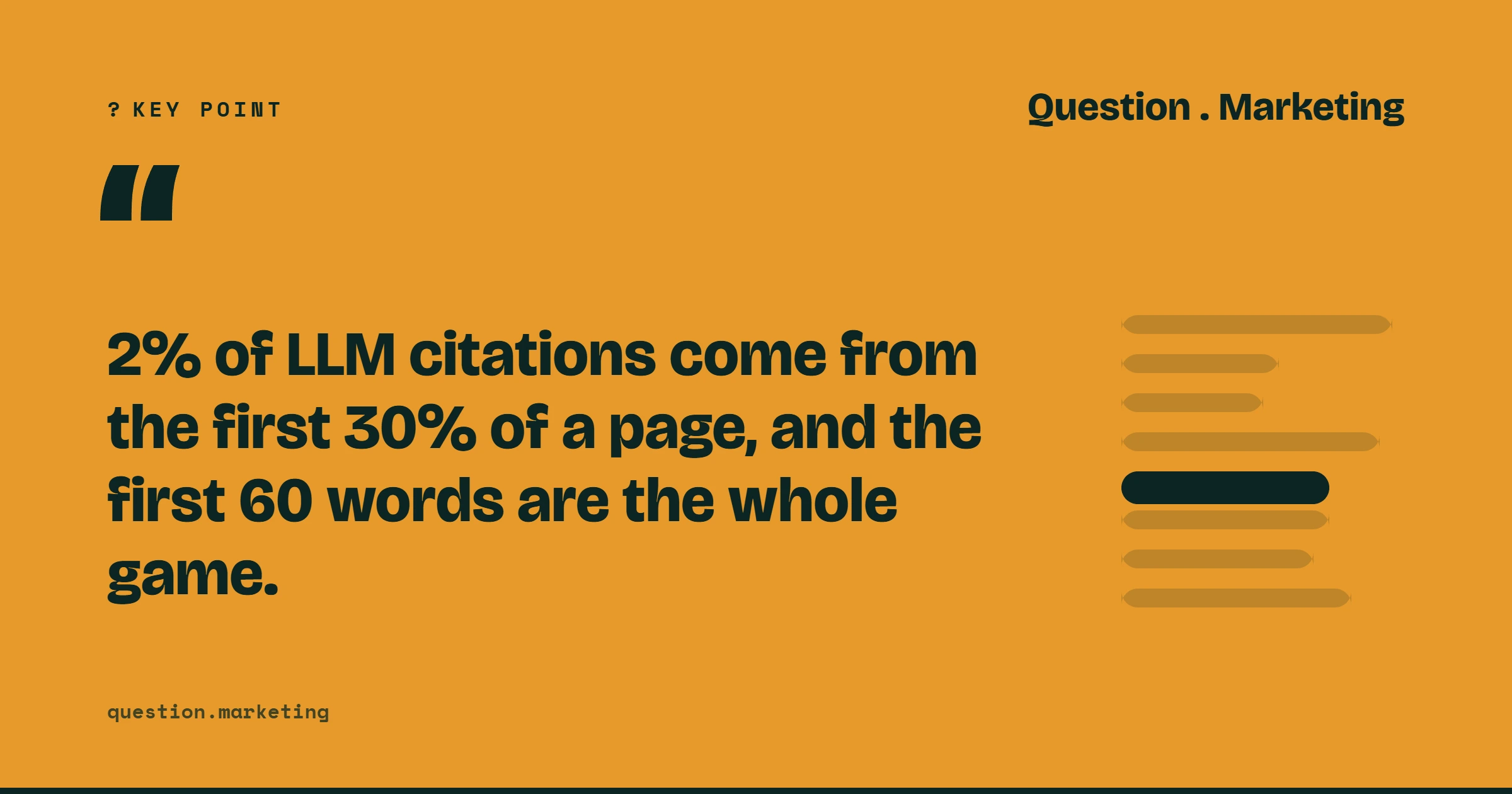
Place your question as the main heading and the answer directly beneath it. The models do not search through everything on a page, and they prefer content in the top third. This matches the data: 44.2% of LLM citations come from the first 30% of a page, and the first 60 words are the whole game.
- Write the heading as the question the reader actually typed.
- Write one complete, standalone sentence under every heading that could be lifted out and quoted on its own.
- Move key claims, such as what you do and where, into that opening passage.
Step 4: Make the page say who it is for
ChatGPT matches a business to a request, so your page must state the match plainly. Add an obvious "who this is for" section and spell out the following in plain text:
- Service descriptions: name each service and describe it in a sentence or two.
- Location: state the towns, regions or sites you serve.
- Pricing signals: give a starting price, a range or a pricing model where you can.
- Audience: say which kind of customer you suit and which you do not.
- FAQs: answer the real questions buyers ask, in question-and-answer form.
Plain statements work better than clever copy. A model can only match you to a request if the page states the match in words.
Step 5: Add structured data so the question and answer are labelled
Structured data tells an engine that this is the question and this is the answer. Schema and markup within content do that job, and unless content is formatted that way it is unlikely to be found. If a model cannot pull the answer out of a page, you have no chance of being featured.
- Add schema markup to your FAQ content so each question and its answer are labelled.
- Add markup that identifies your organisation, services and location.
- Keep the visible text and the markup saying the same thing.
Schema and embedded metadata support indexing, but they come second to text-based pages on domains you control.
Step 6: Keep your details consistent everywhere
A model reads more than your website. Name, address, registration details, people and claims must say the same thing wherever a model can read them: your site, regulators, directories, review platforms, professional bodies and Companies House. Contradictions are the single most common reason a model stays vague about a provider.
- List every place your business details appear.
- Correct any mismatch in name, address, services or claims.
- Name real people on your pages, not anonymous bylines. Models cite people as readily as brands, and in regulated sectors the named human carries most of the trust.
Step 7: Put video and audio into text on your own domain
Models cannot use video or audio unless the text lives on a domain you control. LinkedIn and YouTube strip embedded MP4 metadata on upload and re-encode the video. The levers that work are the SRT caption file, the LinkedIn video title field, and a transcript page on your own site.
- Publish a full transcript page for every video you make.
- Upload an SRT caption file with each video.
- Write a clear title in the platform's title field.
Step 8: Build corroboration beyond your own site
Brand mentions across the web matter more than backlinks. In an Ahrefs study of 75,000 brands, branded mentions showed a 0.664 correlation against 0.218 for backlinks. Trust is also measured by whether you appear on other sites and whether people engage with your answer.
- Get your business named on third-party sites relevant to your sector.
- Fill gaps where no good answer exists yet. If a topic has no answer in the knowledge base, a well-structured piece of content can be the one a model pulls next.
Tips and best practices
- Build a hub, not a single page. For a specialist software recruiter, that means a main page with around 50 job-title pages linked back to it, each answering its own specific question.
- Add original knowledge. The Princeton GEO paper found that information gain drives citation, though the C-SEO Bench corrective shows the effect is smaller and more variable than that paper suggested.
- Skip llms.txt as a priority. Cyrus Shepard's 2026 synthesis scores it 2.0 out of 10: "It doesn't hurt. It isn't a service."
- Expect recommendation to be harder than citation. Seer Interactive's 2026 tests, covering 362,388 responses, found that the citation is the bibliography, not the brainstorm.
Troubleshooting
ChatGPT never mentions you. Check Step 1 first. A firewall block makes every other fix irrelevant.
ChatGPT describes you vaguely or incorrectly. Look for contradictions between your site and your directory, regulator or review profiles, as inconsistency is the most common cause.
You cannot tell whether the changes worked. One check proves nothing, because a single check carries ±9 to 13 points of variation. Track the same defined prompts every cycle, across every engine, and ask new enquirers "How did you hear about us?" with individual AI engines listed.
Summary
ChatGPT reads your text, headings and structured data. It rewards a page that is reachable, answers a specific question at the top, states who it is for, labels its content with schema, and agrees with every other source about who you are. Work through the steps in order, starting with access, and measure the result over repeated cycles rather than a single screenshot.
For the bigger picture, read what answer engine optimisation is.