How-to guide
How to check what Google AI Overviews say about your business
Checking what Google AI Overviews say about your business means searching the questions your buyers actually ask, recording whether an AI Overview appears, noting which sources it cites and whether your name is in the answer. You then repeat the exercise in AI Mode and log everything in a dated sheet. This guide walks through that process step by step.
The reason to do it now is simple. Search didn't die, the click did. Google's AI Overviews now appear on roughly half of all queries, and when one appears, click-through on the top result falls by somewhere between a third and two thirds depending on query type. In one survey of 68,000 searches, only 8% of people clicked a traditional result when an AI Overview was shown. Your rankings can hold while your sessions collapse. The only way to know whether you are inside the answer is to look.
Prerequisites
Before you start, get these in place:
- A clean browser profile or private window, signed out of Google, so your search history does not shape what you see.
- A list of 10 to 30 buyer questions, written the way a customer would type them (more on this below).
- A spreadsheet with a column for date, prompt, engine, whether an AI Overview appeared, which sources were cited, whether you were named, and who was named instead.
- A screenshot folder, one image per check.
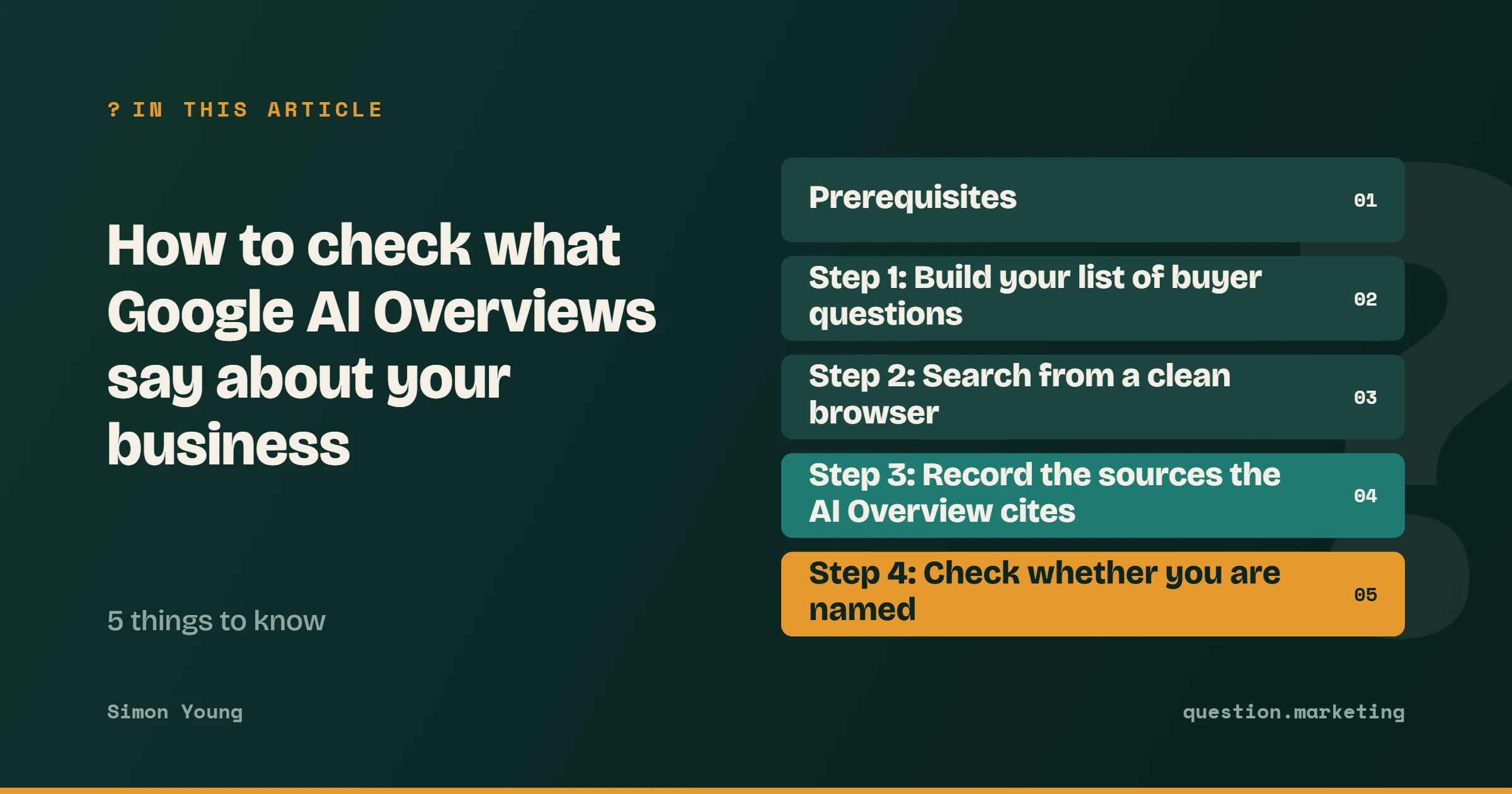
Step 1: Build your list of buyer questions
Start with the questions your customers ask, not the keywords you want to rank for. The best source is your own phone calls. Record and transcribe customer calls and you will hear the exact questions, feedback and phrasing people use.
Write each prompt in full natural language. A recruiter in Manchester, for example, should test a question like "who is the best software or technology recruiter in Manchester", because a question with a specific job title is served very differently from a traditional keyword search.
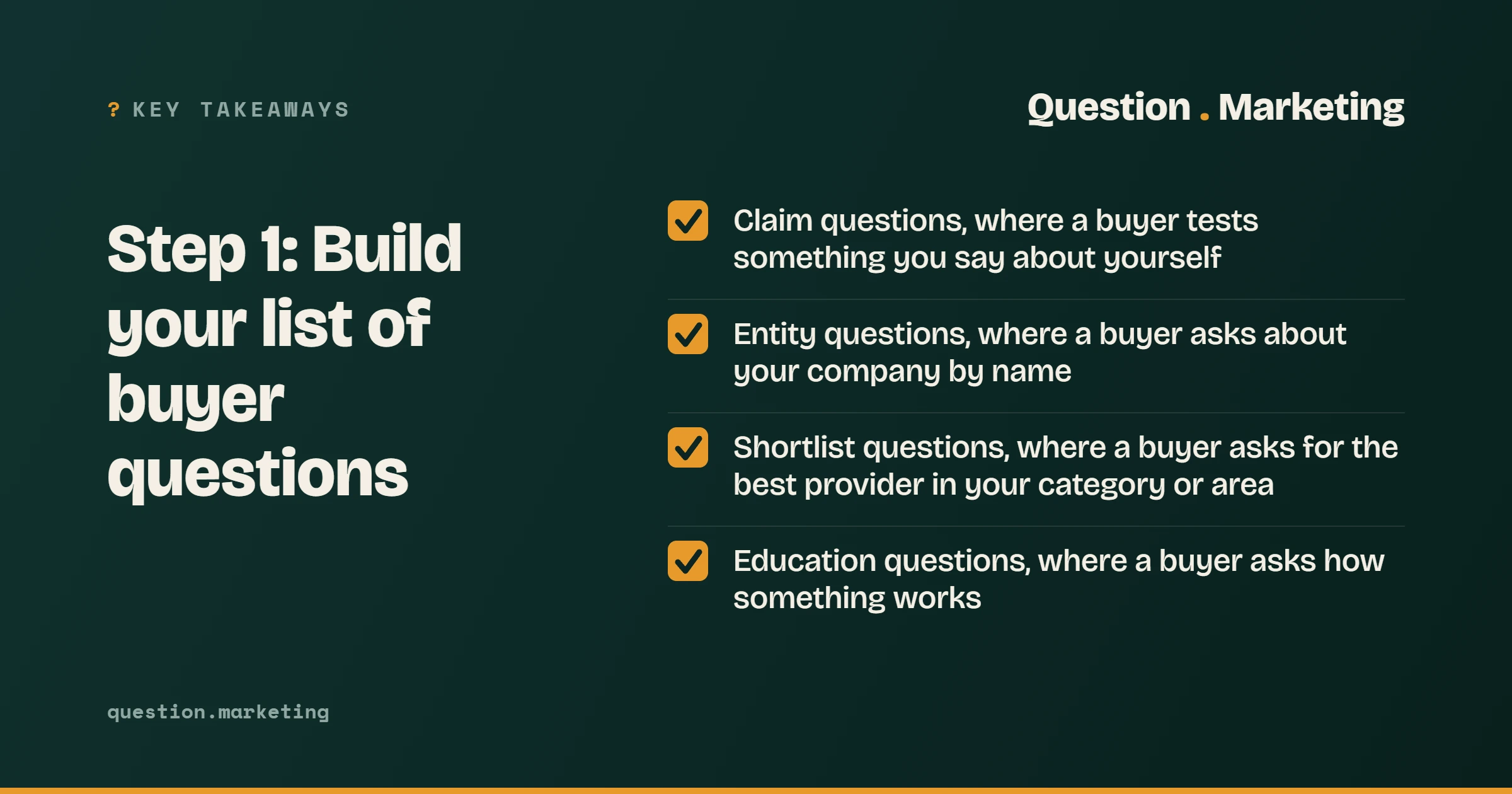
Group your prompts into categories so the sheet stays readable:
- Claim questions, where a buyer tests something you say about yourself.
- Entity questions, where a buyer asks about your company by name.
- Shortlist questions, where a buyer asks for the best provider in your category or area.
- Education questions, where a buyer asks how something works.
Our own tracker uses 22 defined prompts across claim, entity, shortlist, education and clinical categories, which gives you a sense of the right scale. Keep the wording identical every time you re-run the check.
Step 2: Search from a clean browser
Open a private window, make sure you are signed out of Google, and type your first prompt exactly as written in your sheet.
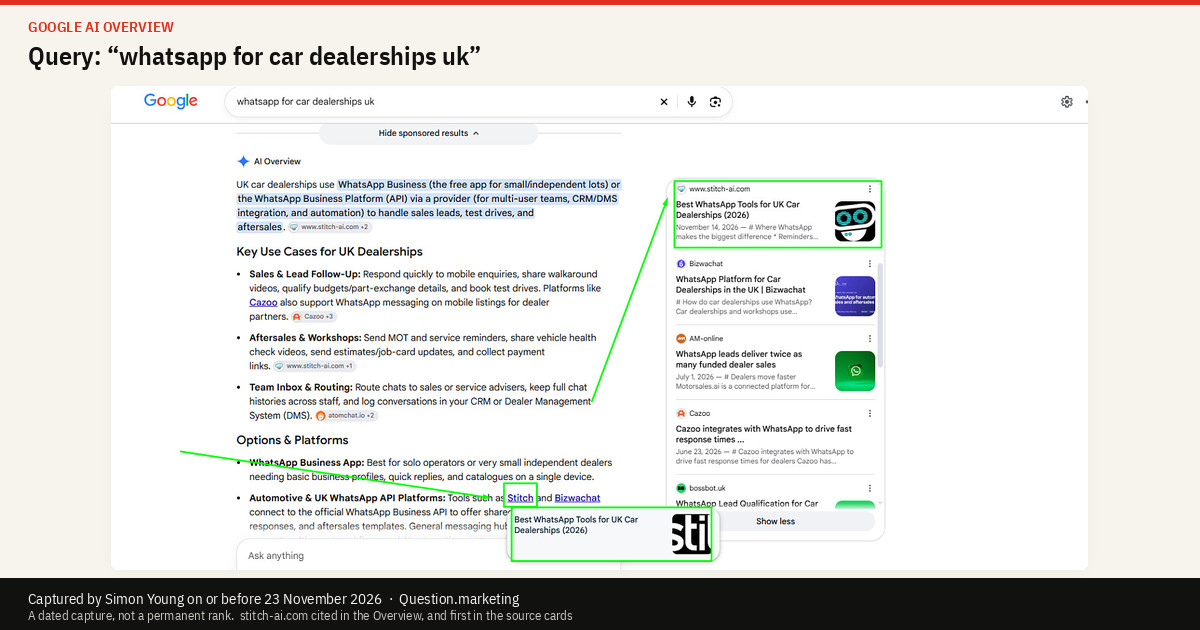
For each prompt: a. Note whether an AI Overview appears at the top of the results. b. Take a full-page screenshot before you scroll or click anything. c. Record the date and the exact prompt wording.
If no AI Overview appears, record that too. An absent Overview is a data point, and it can change next quarter.
Step 3: Record the sources the AI Overview cites
An AI Overview typically cites two, three or four results. That short list is the real prize. If you are not on it, a searcher is unlikely to find you through that answer.
Open the cited sources and log them in your sheet:
- The domain and page title of each cited source.
- Whether any of them are your own pages.
- Whether any are third-party sources that mention you, such as directories, review platforms, professional bodies or press.
This tells you where the model is getting its information, which tells you where your work needs to happen.
Step 4: Check whether you are named
Read the answer text itself and mark one of three outcomes: named in the answer, cited as a source without being named, or absent. Being named and being cited are different results. The measurement language that matters is share of voice, prompts won, and "cited as the source". There is no AI ranking position. There is being named, or not.
Also write down who was named instead of you. A report that only shows your absence is half a report. The useful version shows where you appear and who appears in your place.
Step 5: Repeat the check in AI Mode
Run the same prompts again in Google's AI Mode and log the results in the same sheet, with the engine column set to AI Mode. Answers vary between surfaces, so keep the two sets of results separate rather than blending them.
It also helps to widen the net beyond Google. Our own tracking prioritises ChatGPT, Google AI and Perplexity. If your original question was about ChatGPT, run the same prompt list there and add those rows to the sheet. Be explicit about which platform each row covers, and never claim coverage of "all AI search" from a check that touched only one or two engines.
Step 6: Log everything in a dated sheet
Consistency is what turns screenshots into evidence. Every report should show the same defined prompts, every cycle, every engine, with screenshot evidence of where you appear and who appears instead.
A simple structure works:
- Column A: date of check.
- Column B: prompt category.
- Column C: exact prompt.
- Column D: engine (Google AI Overview, AI Mode, ChatGPT and so on).
- Column E: AI Overview present, yes or no.
- Column F: cited sources.
- Column G: named, cited only, or absent.
- Column H: who was named instead.
- Column I: screenshot filename.
Run the full set once a quarter. When you repeat it with identical prompts, you can compare quarter on quarter and see whether your visibility is moving. State every baseline with its figure, its period and its margin.
Tips and best practices
- Never trust a single check. A single check carries roughly ±9 to 13 points of uncertainty, which is why one screenshot proves nothing. Treat your own manual check as a directional read, not a verdict. For comparison, our full measurement samples around 1,500 answers per source per cycle across 30 prompts.
- Keep the prompt set fixed. If you change wording between cycles, you are no longer comparing like with like.
- Ask your customers. Add a "How did you hear about us?" field to your enquiry form and list the individual AI engines as options. Without it you cannot attribute any enquiry to an AI answer.
- Check access first. Roughly 22% of web traffic sits behind Cloudflare, and content behind a default WAF block is invisible to AI engines however well it is structured. Confirm your site is not blocking AI crawlers before you judge your results.
- Remember the channel is small but growing. AI referral traffic is still around 1% of total web traffic, growing roughly a point a month. Treat it as a fast-growing, still-small channel, and not a replacement for everything else you do.
Troubleshooting
No AI Overview appears for your prompts. Log it and move on. Run the same prompt in AI Mode and in another engine, and re-check next quarter.
Your competitors are named and you are not. Look at which sources were cited. LLMs retrieve content structured as self-contained, answer-first passages with a complete standalone opening sentence under each heading. Check whether your pages answer the question in their first lines, because 44.2% of LLM citations come from the first 30% of a page.
The answer is vague or wrong about your business. Check that your name, address, registration details, people and claims say the same thing everywhere a model can read them, including your site, directories, review platforms and Companies House. Contradictions are the most common reason a model stays vague about a provider.
You are cited on some prompts but never named. Third-party corroboration matters here. Brand mentions across the web correlate more strongly with citation than backlinks do, at 0.664 versus 0.218 in an Ahrefs study of 75,000 brands.
Summary
Search your key buyer questions in a clean browser, record whether an AI Overview appears, log the cited sources, and mark whether you are named, cited or absent. Repeat in AI Mode and in the other engines your buyers use, keep the prompts identical, and store the results with screenshots in a dated sheet. Run the same set every quarter and the sheet becomes your baseline. If the results show you absent from answers where competitors are named, that is the starting point for the structural and content work that changes the outcome.
For where search fits now, read how AEO differs from SEO and GEO.